Design tools make you draw everything. AI image tools give you a picture you can't change. Strukt starts from the plan you already have, and does the design work for you.
- Input
- Plan image
- PNG, JPG, WEBP · up to 15 MB
- Time
- ~5 min
- Upload to editable 3D
- Floors
- Up to 4
- Ground + 3 upper
- Export
- 7 formats
- IFC · BLEND · GLB · DAE · OBJ · FBX · SVG
- Price
- From ₹0
- No subscription
Three things only Strukt does.
Furnished for you
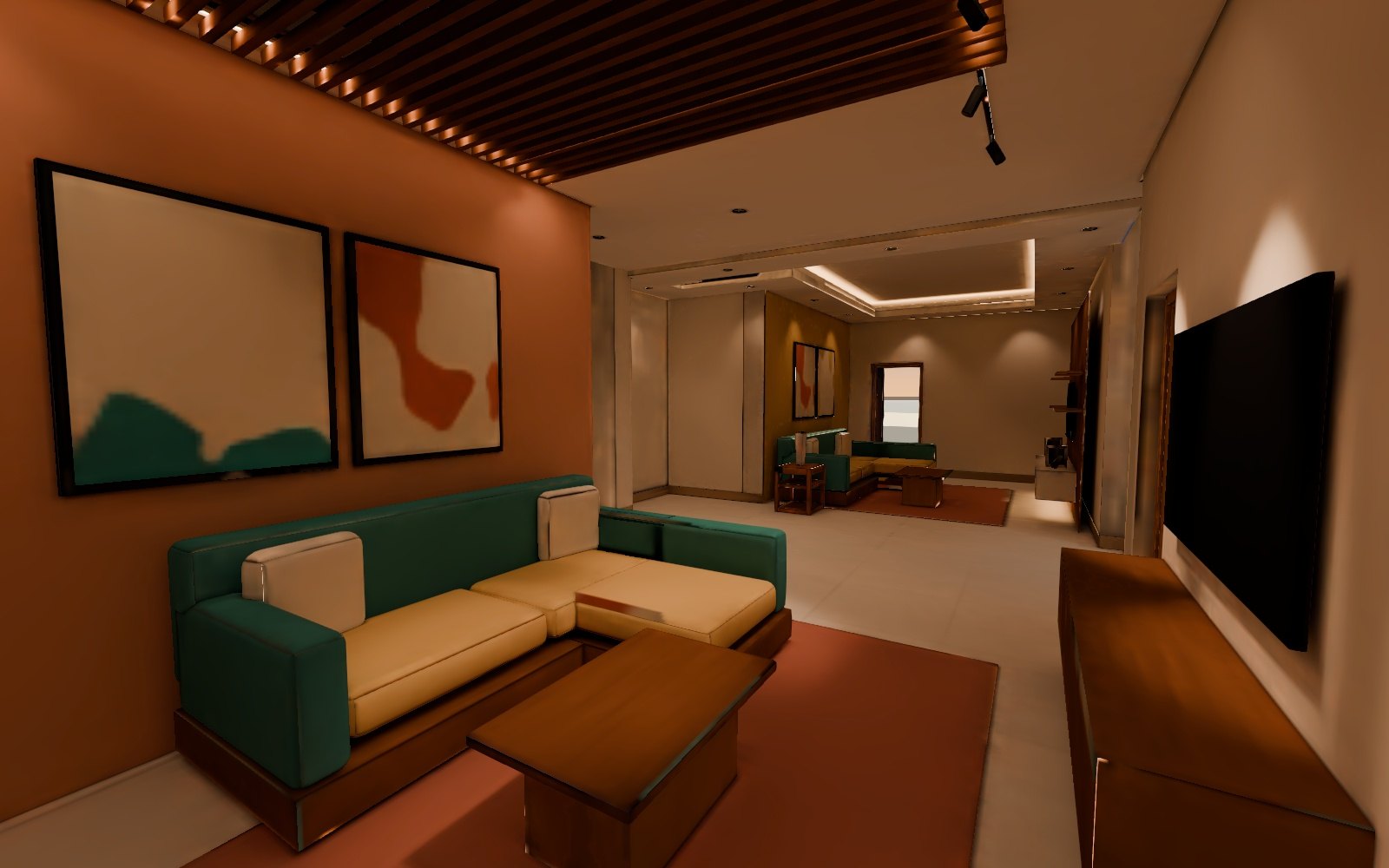
It knows which room is which and furnishes the whole home. Beds get walkways, sofas face the TV wall, doors stay clear.
- Free on plans read with the Pro model
- Move, turn, resize or delete any piece
- The rest of the room re-plans around you
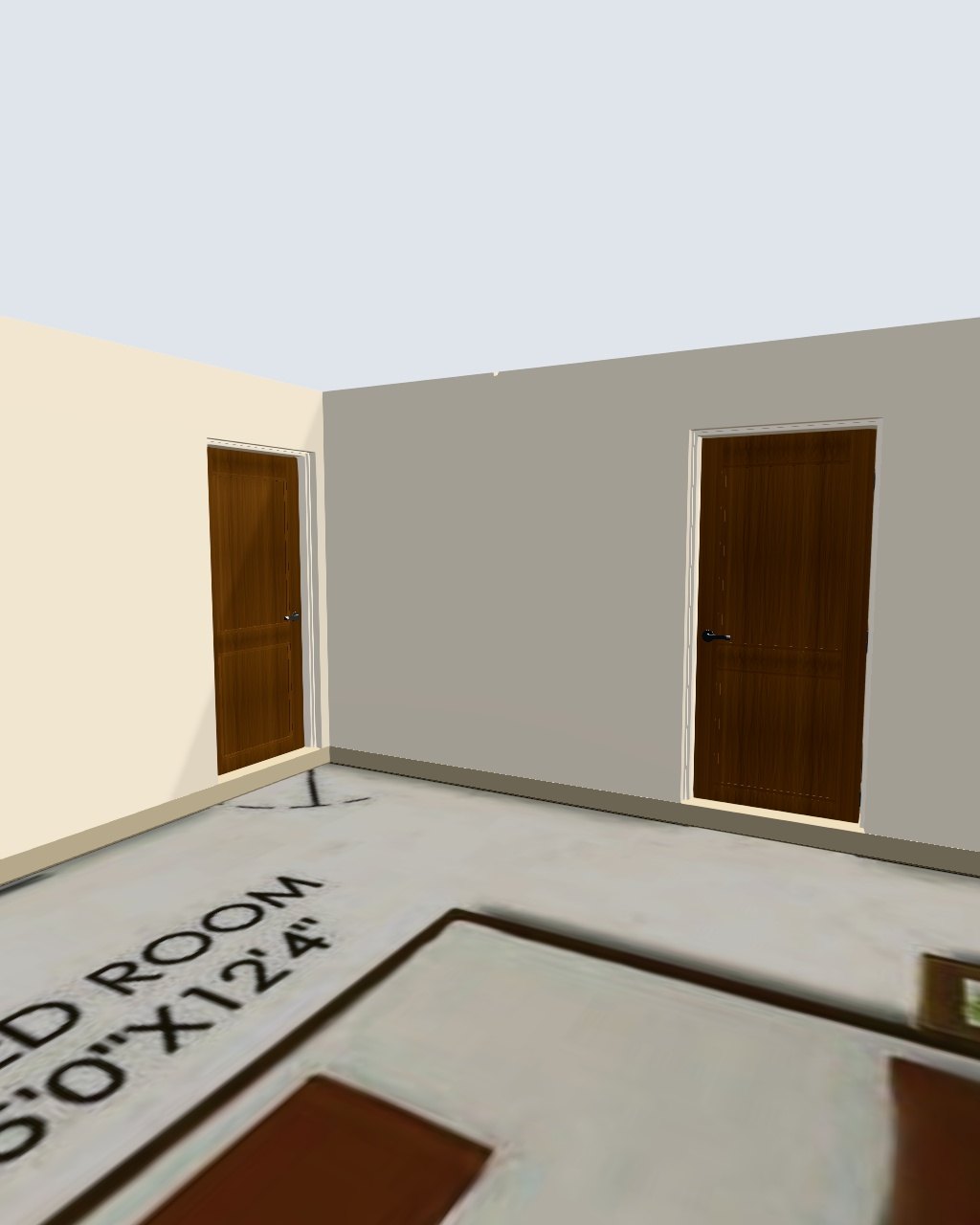
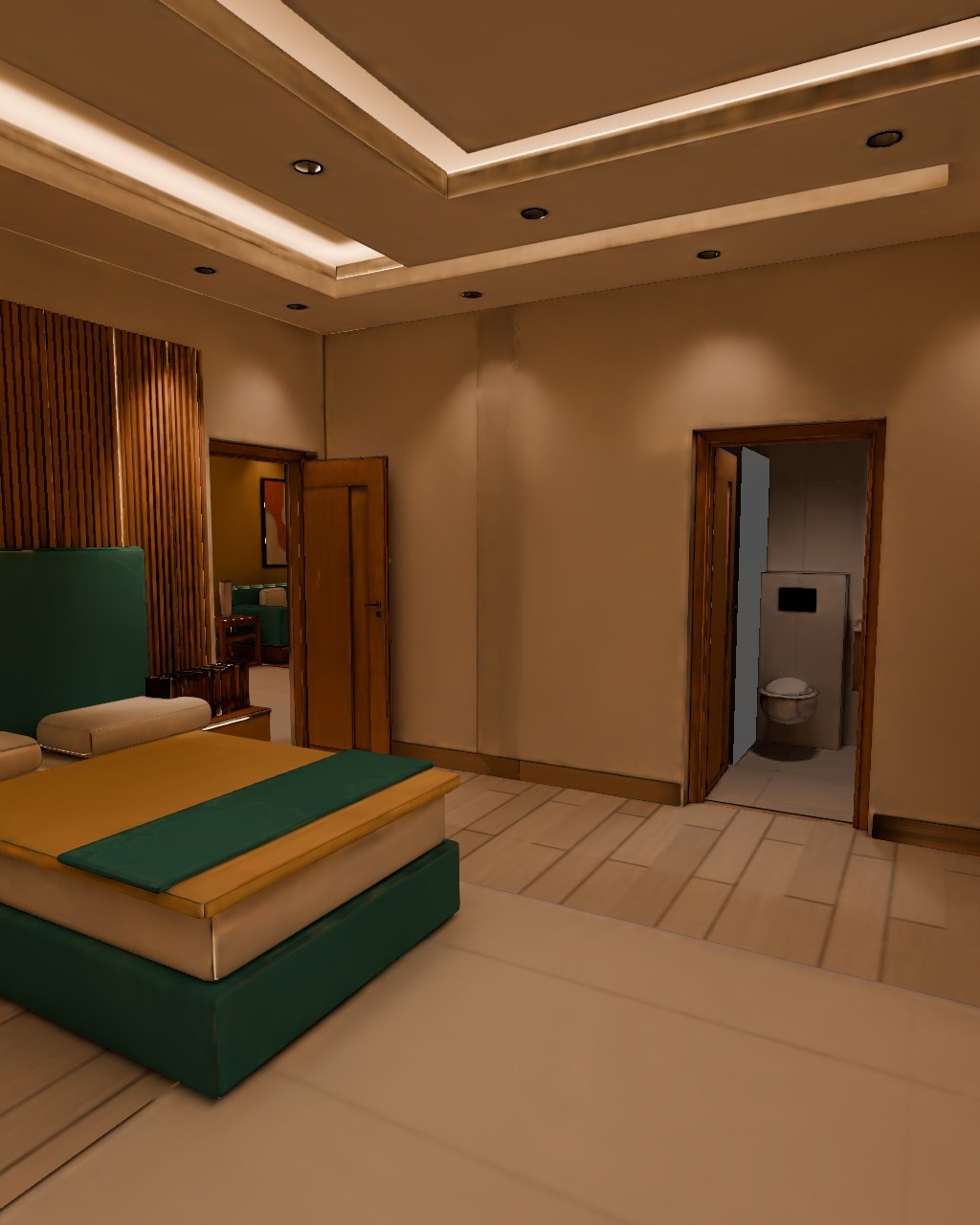
Walk it with real light
Bake path-traced lighting into the furnished home and walk through it, room by room.
- Rooms stream in as they finish
- Hold B to compare with the plain view
- Render stills from where you stand
Whole houses
Up to three upper floors, lined up on their shared walls and stacked at storey height.
- Crop several floors from one drawing
- Every floor stacked in 3D
- Whole-house bake and stairs rolling out
About five minutes.
- Step 1
Upload the plan
A PNG, JPG or WEBP image. Scans and phone photos work; export PDFs and CAD drawings as images.
- Step 2
It's built in 3D
Walls, doors, windows and room names are read and raised into an editable model.
- Step 3
Furnish and walk
Every room is furnished. Adjust anything, bake the light, walk through, render, export.
Free or Pro. You choose per plan.
Both read your drawing. Pro reads more, and unlocks automatic furnishing.
Structure
Structure + rooms
See what people built.
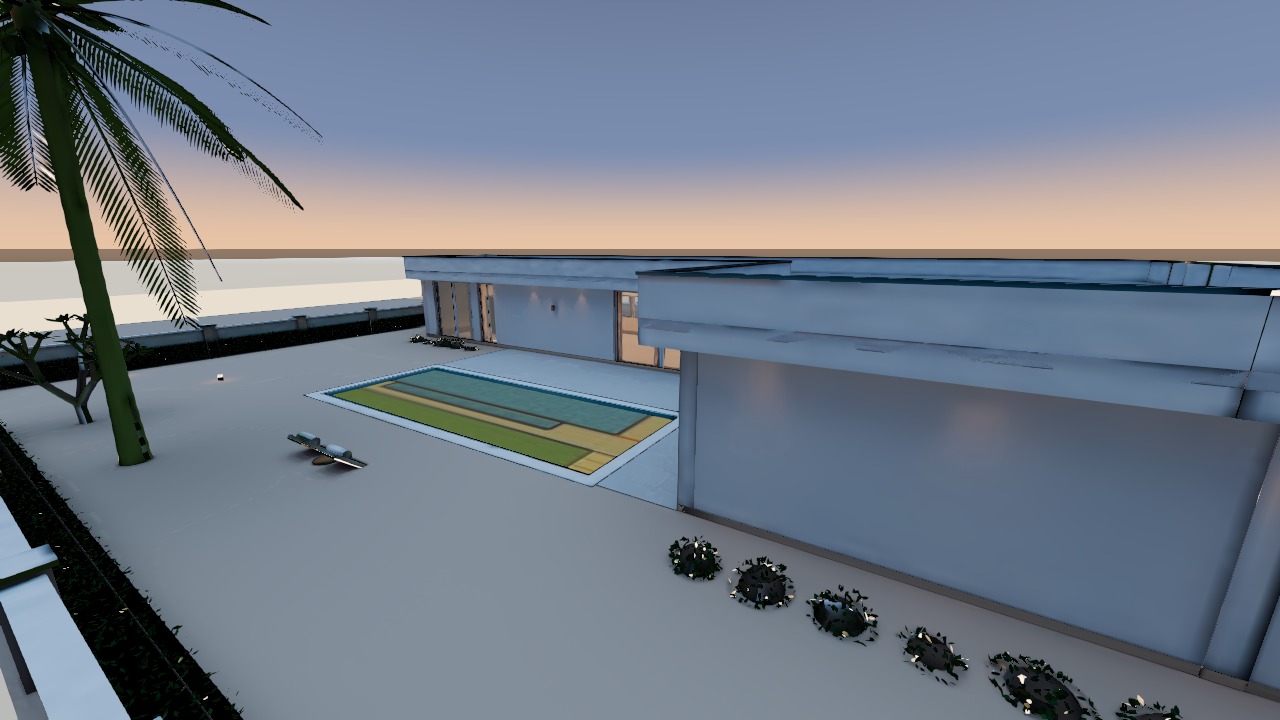
Real homes made in Strukt, published by the people who planned them. Search your building, open any home and walk it. Baked ones in real light.
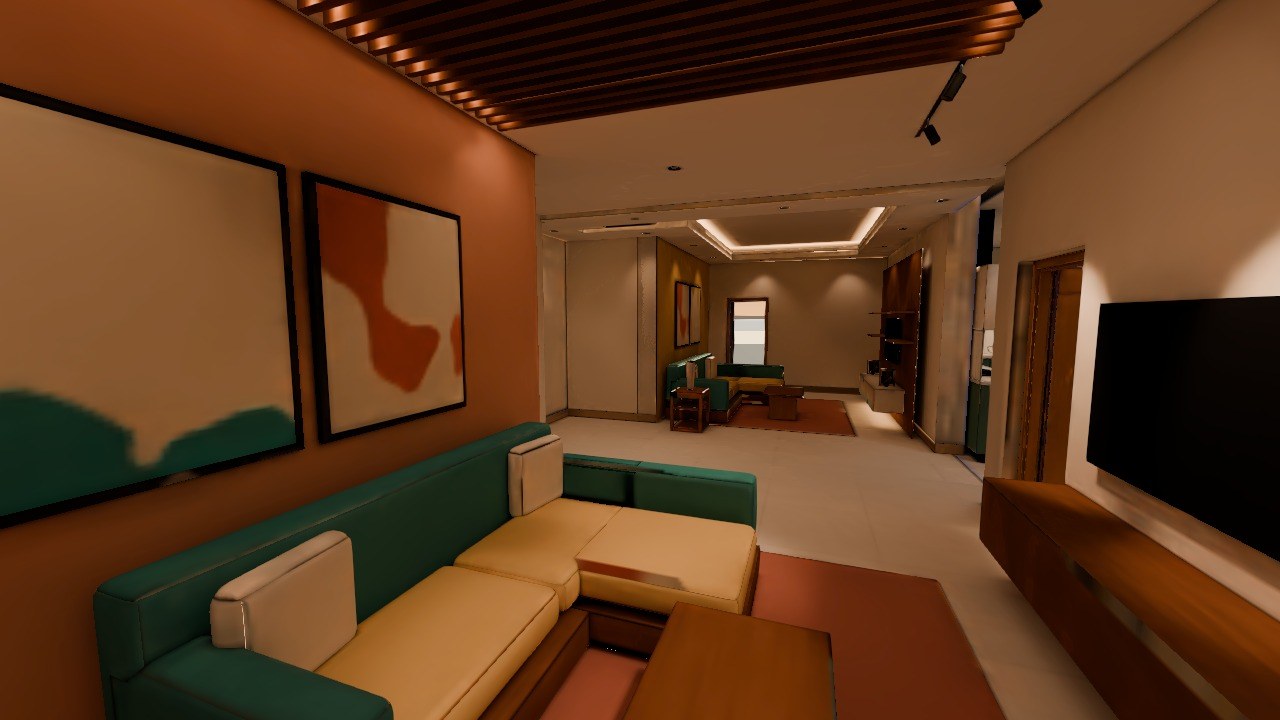
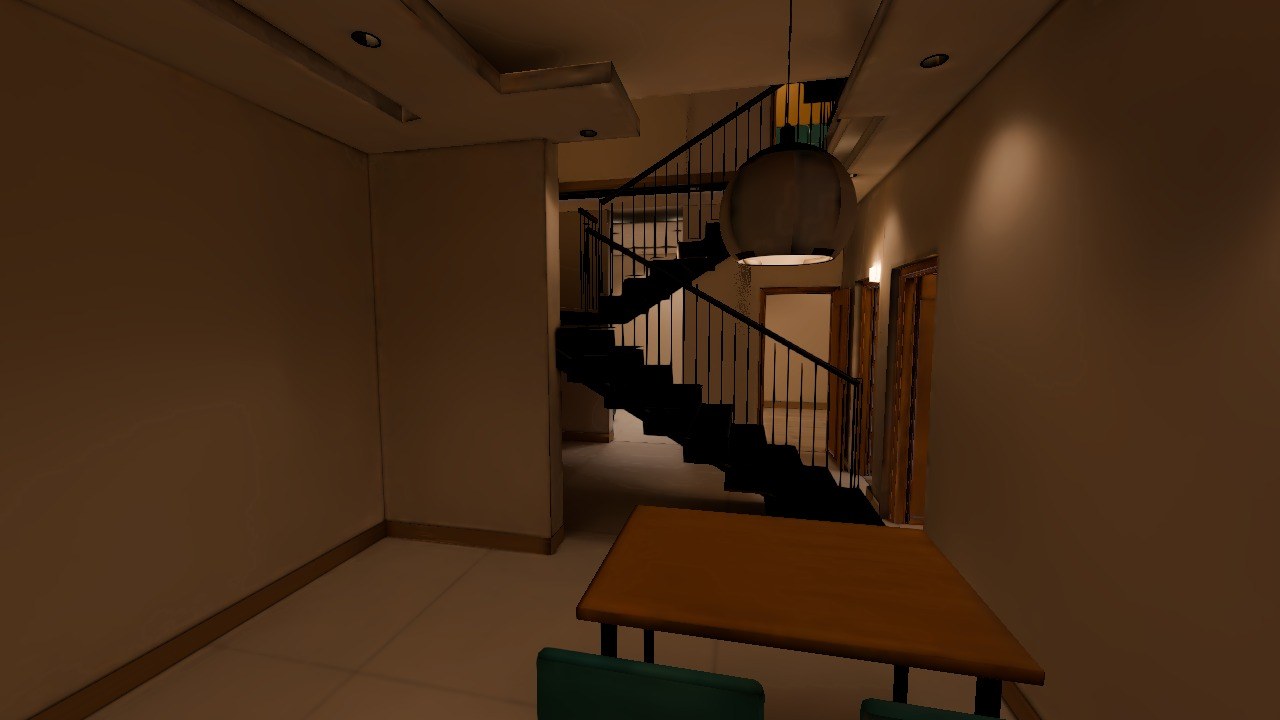
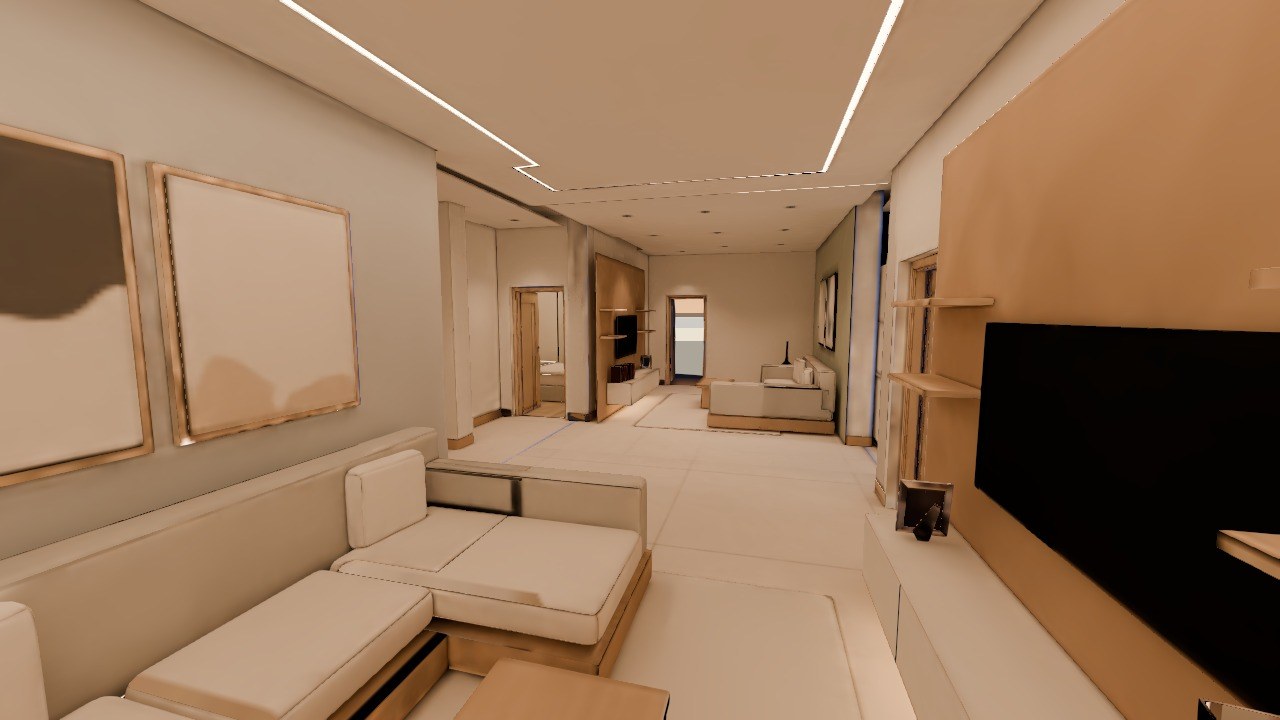
Finish anywhere.
Export the same model to the tools you already use.
| .ifc | Revit, ArchiCAD and other BIM tools | Real building elements |
| .blend | Blender | Native file |
| .glb | Unity, Unreal, Three.js, the web | Real-time |
| .dae .obj .fbx | Most 3D software | Open formats |
| .svg | Illustrator, CAD | 2D plan as vectors |
Start free. Pay as you go.
No subscription. Credits never expire while your account is active.
for 2,000 credits
Extra uploads and exports past the free quota also use credits. Prices in Indian rupees; the app shows the price list before anything is charged.
Questions.
What is Strukt AI?+
Strukt AI turns a 2D floor plan image into a furnished 3D home in your browser. It reads the walls, doors, windows and room names from your drawing, designs and furnishes every room, and lets you walk through it with baked, realistic lighting, render photoreal images and export the model. It is built for interior designers, builders and homeowners.
Which files can I upload?+
PNG, JPG or WEBP images of your floor plan, up to 15 MB on the homepage upload. Scans and phone photos work. If your plan is a PDF or a CAD (DWG/DXF) file, export or screenshot it as an image first — direct PDF and CAD upload is not supported yet.
How long does it take?+
About 5 minutes from uploading your plan to an editable 3D model, for a typical floor plan. Larger or less clear plans can take longer. Rendering, furnishing and material changes happen after that, at your own pace.
How accurate is the 3D model?+
Accuracy depends on how clear your drawing is. Clean, high-resolution plans give the best results. Some walls, openings or room boundaries can be read wrongly, and dimensions are estimates, so check the model and correct anything the AI got wrong. Strukt AI is for visualisation and design, not for construction drawings or permit submissions.
Is Strukt AI free?+
You can start free: every account gets 10 floor plans a month with the Free model, plus the 2D editor, 3D view, texturing and export, with no credit card. For the Pro model (rooms and names, automatic furnishing), baked walkthroughs and AI renders you buy credits: 2,000 credits cost ₹200, with no subscription, and they never expire while your account is active.
Can I edit the model after it is generated?+
Yes. It is a real 3D model, not a picture. You can adjust walls, doors and windows, move, turn, resize or delete furniture (the AI re-plans the rest of the room around your changes), change floors, paint and other finishes, and re-render whenever you like.
Does it work for houses with more than one floor?+
Yes. Add up to three upper floors to a house; Strukt lines them up and stacks them in 3D. Furnishing and baking the whole house, and walking up the stairs between floors, are rolling out now.
Can I export to other software?+
Yes. Export to GLB and DAE (Blender, Unity, Unreal, Three.js), native BLEND, and IFC for Revit, ArchiCAD and other BIM tools, so you can continue in your own workflow.
Can I use the renders to market a property?+
Yes, as visualisations. Renders are AI-generated and are labelled as such. Do not present them as photographs of a finished property, and remember that furniture, materials and lighting are approximate.
Who owns my designs, and is my data private?+
You keep ownership of your original designs. Private projects are not shown publicly unless you publish them to the community. We do not sell your data, and you can ask us to delete your account and files at any time. See our Privacy Policy for details.
Using Strukt AI?
Tell us how it went. Approved reviews are shown here.