A 3D view of your floor plan tells you where the walls are. It doesn't tell you how the room will feel at seven in the evening, when the cove lights are on and the sofa throws a soft shadow on the rug. That's what lighting does, and until now you needed a render queue to see it.
Bake & walk changes that. Strukt furnishes your home from the plan, bakes path-traced light into every room, and lets you walk through it in first person at full speed, right in the browser.
What “baking” means
Real-time 3D has to fake light, because tracing every bounce sixty times a second is too slow. Baking does the slow, accurate work once: light from lamps, windows and the sky is traced through the furnished room, bounce by bounce, and stored in the surfaces. After that, walking is free. The light stays physically right while you move as fast as you like.
Three steps, and you can leave between them
Furnish
Strukt reads which room is which and furnishes the whole home: beds get walkways, sofas face the TV wall, doors stay clear. Furnishing is free on plans read with the Pro model.
Check the layout
Review the furniture in 2D. Move, rotate or delete anything; the rest of the room re-plans around your change. Your progress is saved, so you can close the tab and come back to the same step.
Bake & walk
Start the bake. Rooms stream in as they finish, so you can walk the first ones while the rest are still lighting. A bake costs 40 credits per floor; walking it again later is free.
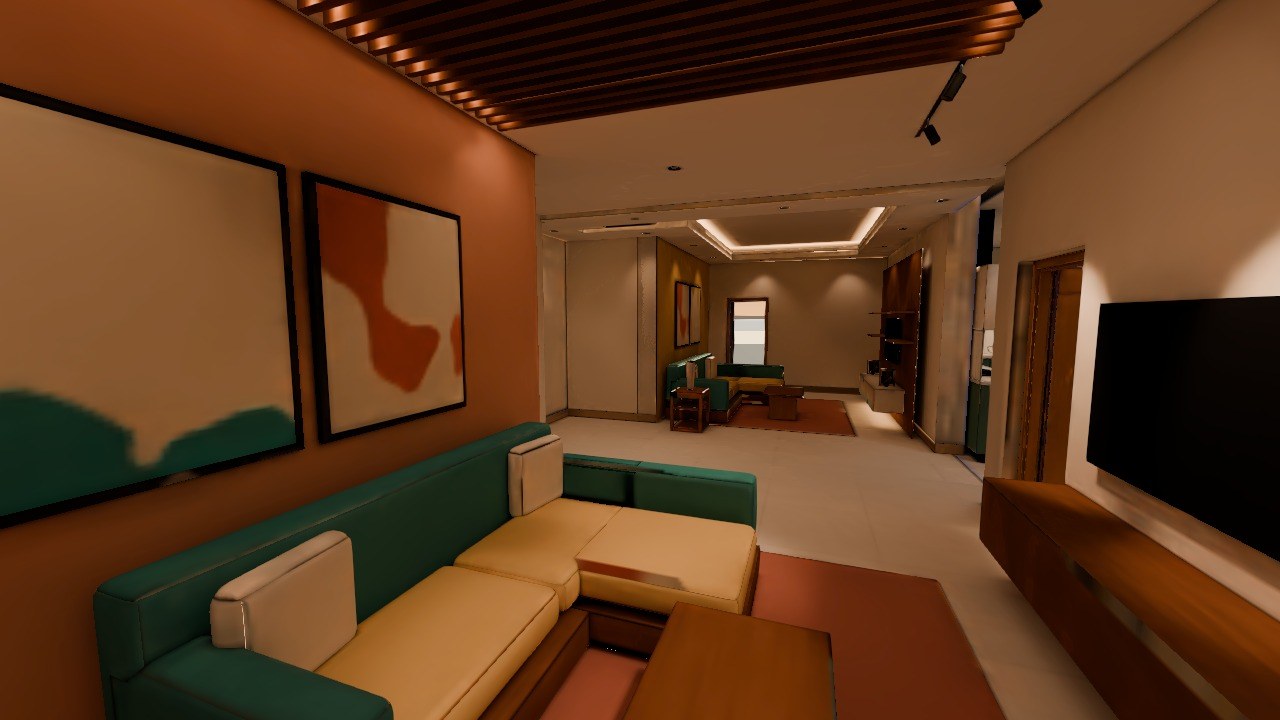
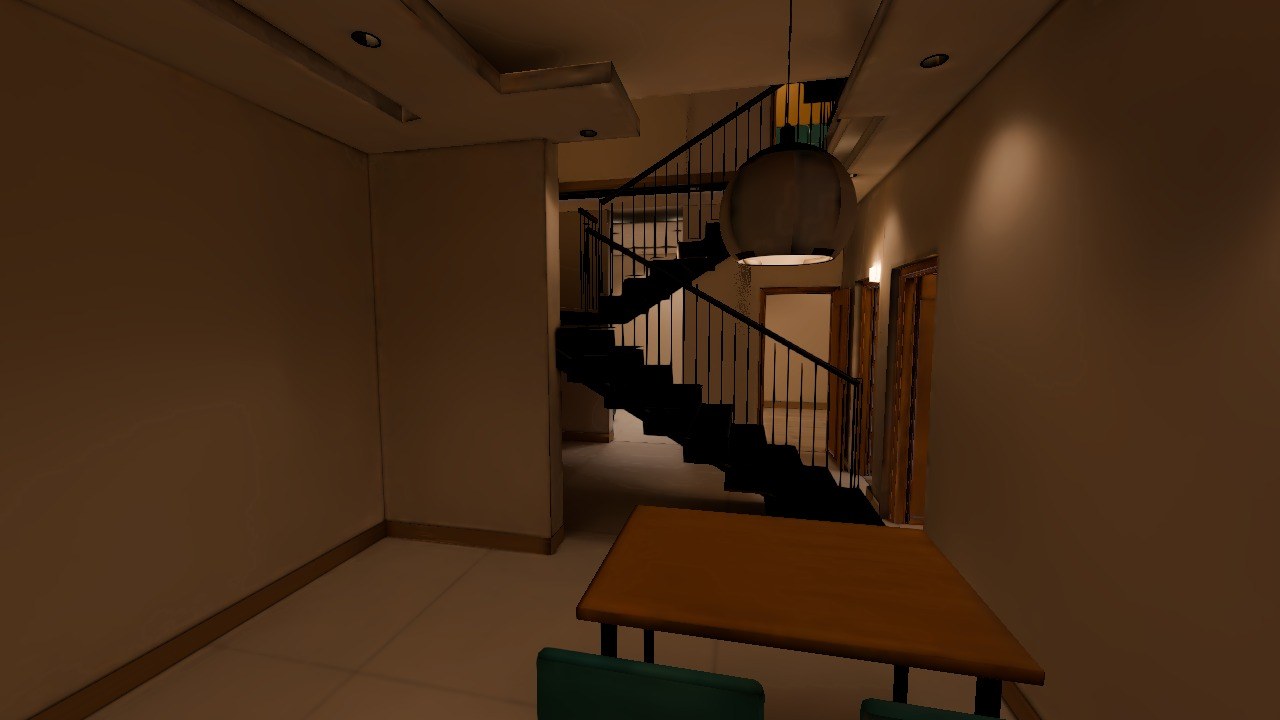
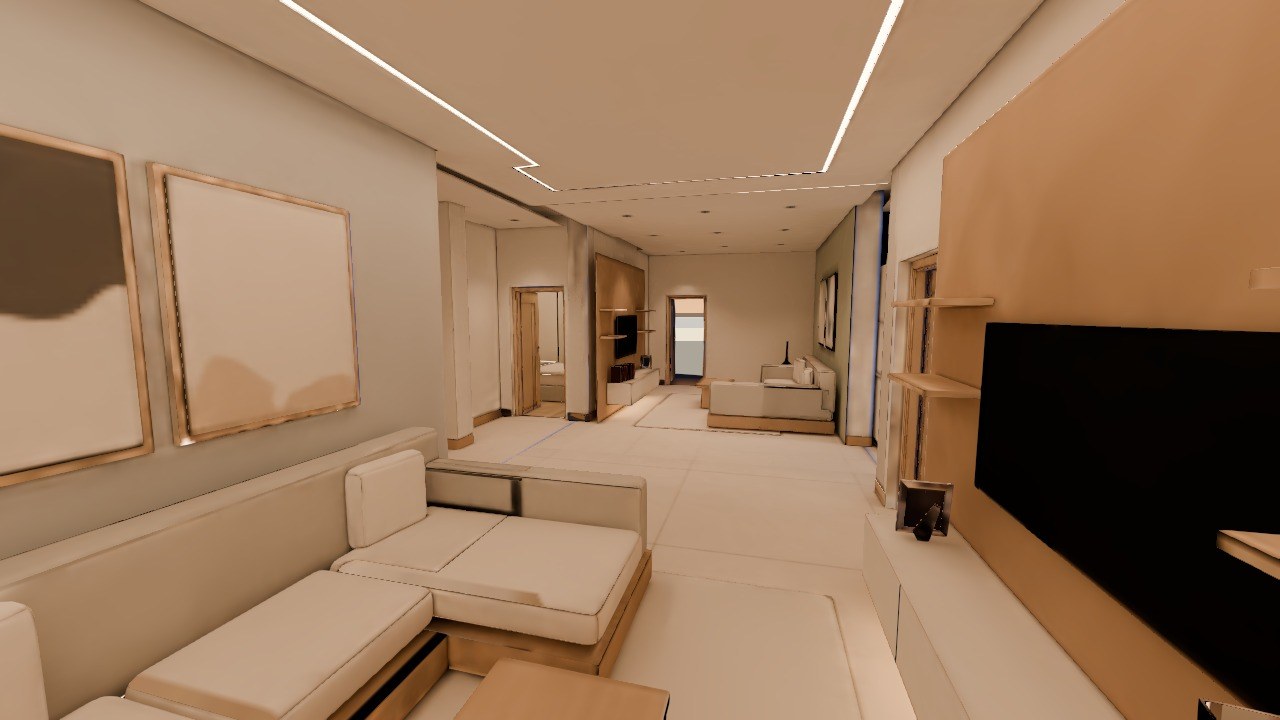
Normal FPV and Bake view, side by side
In first-person view there are now two clear buttons: Normal FPV (the fast editor view) and Bake view (the baked light). Press V to switch, or hold B to compare with the plain view for a moment. Esc no longer throws you out of the walk, and the controls sit in one tidy bar with a key legend you can open any time.
Whole houses, not just flats
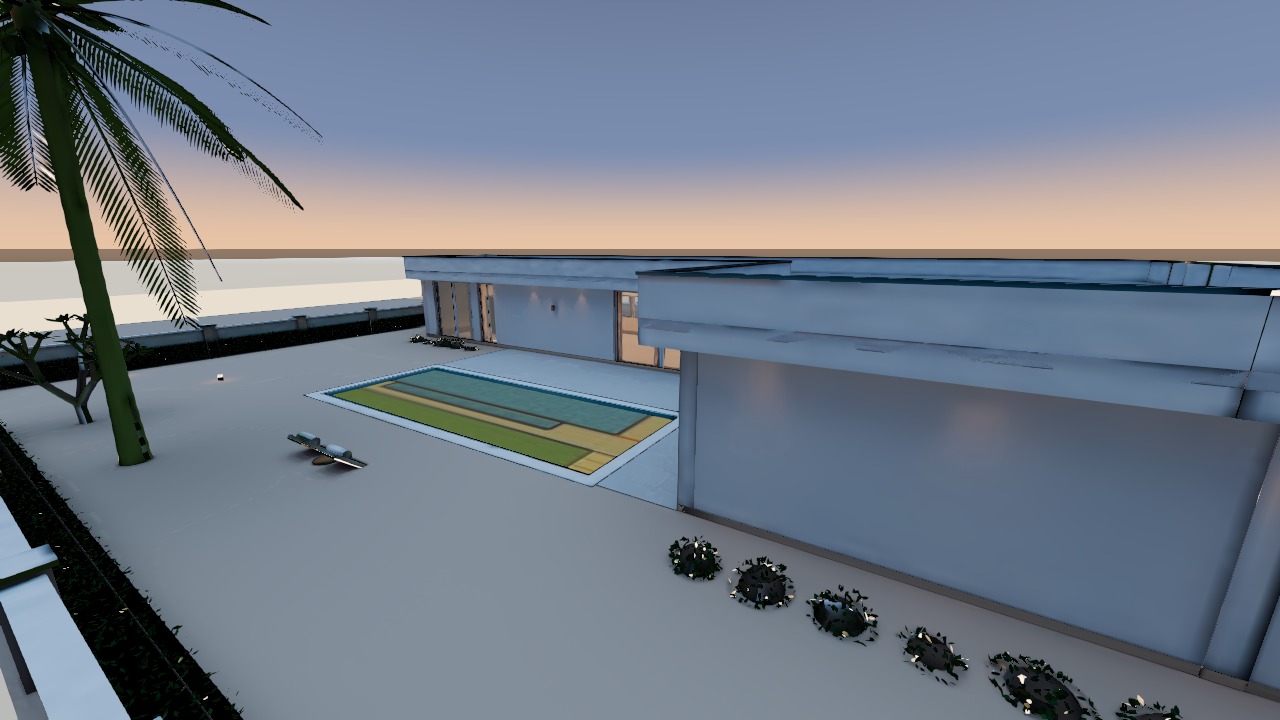
Bake works on apartments, independent houses and multi-floor villas. Outdoor areas come along: lawns, pools, terraces and the boundary wall are part of the scene, under a dusk sky.
Publish it to Community
When you publish a baked home to Strukt Community, its walk-through goes with it, frozen at the version you published. Posts with a walk-through carry a Baked tag. Anyone can see the whole house from outside in baked light on the post page; walking inside needs a free sign-in.
Convert a floor plan to 3D, free, in your browser
Upload an image of your plan (PNG, JPG or WEBP) and get an editable, furnished 3D model in about 5 minutes. No download, no card.
Convert your plan